 FloorTalk
Plant operations software
The whole plant, on the floor.
My Work is home — tasks, the radio, and the hubs for that role. Production, maintenance, quality, warehouse, planning, finance, and HR sit beside Talk, Walkie, and Channels. Each plant is private.
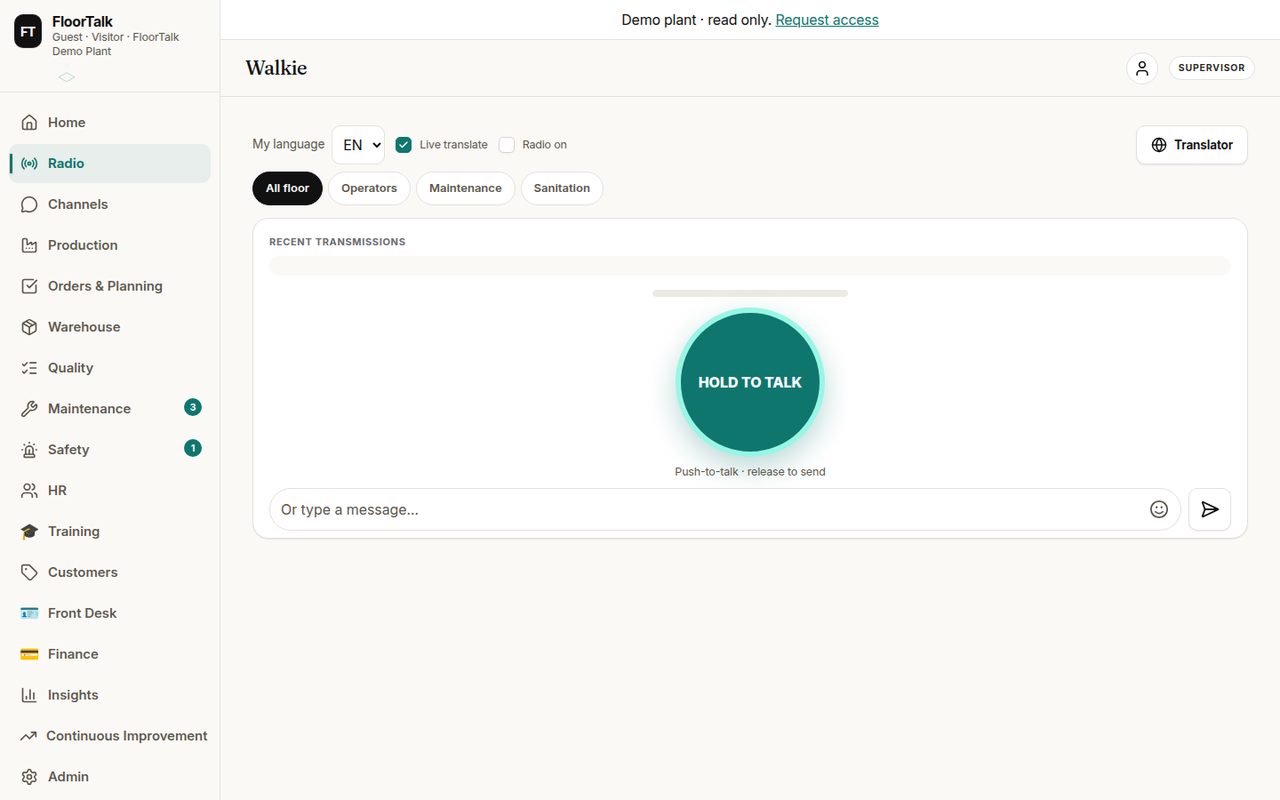
Walkie and channels
- Push-to-talk stays with the shift
- Channels keep the messages that matter
- One plant hears only its own radio
Alerts and emergency
- A live alert reaches the plant
- SOS takes the screen in an emergency
- People check in from the floor
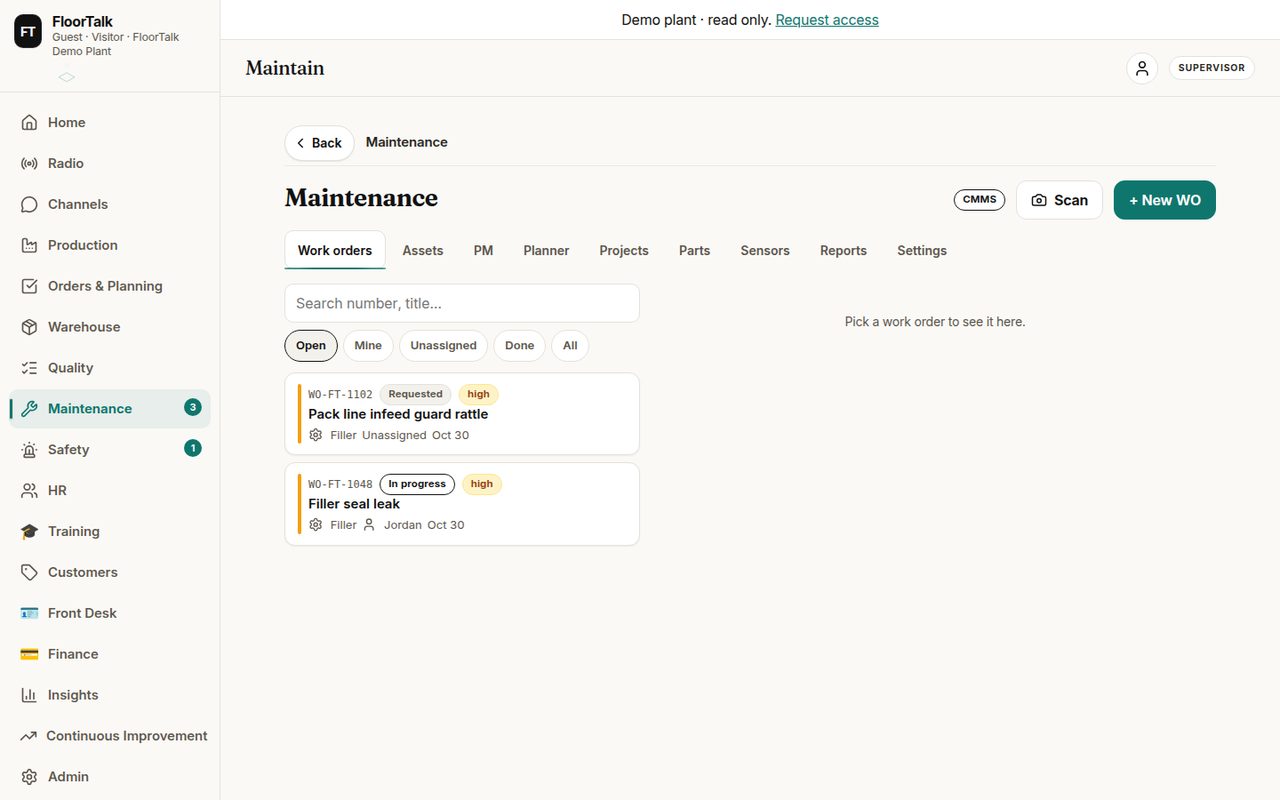
Maintenance, CMMS, and MRO
- A repair request becomes a work order
- Assets, parts, and preventive maintenance
- Assign, complete, and verify in one hub
Planning and changeover
- Order to cash stays in the plant
- Account manager accepts the job
- Changeover is a guided job on the line
SCADA dashboards
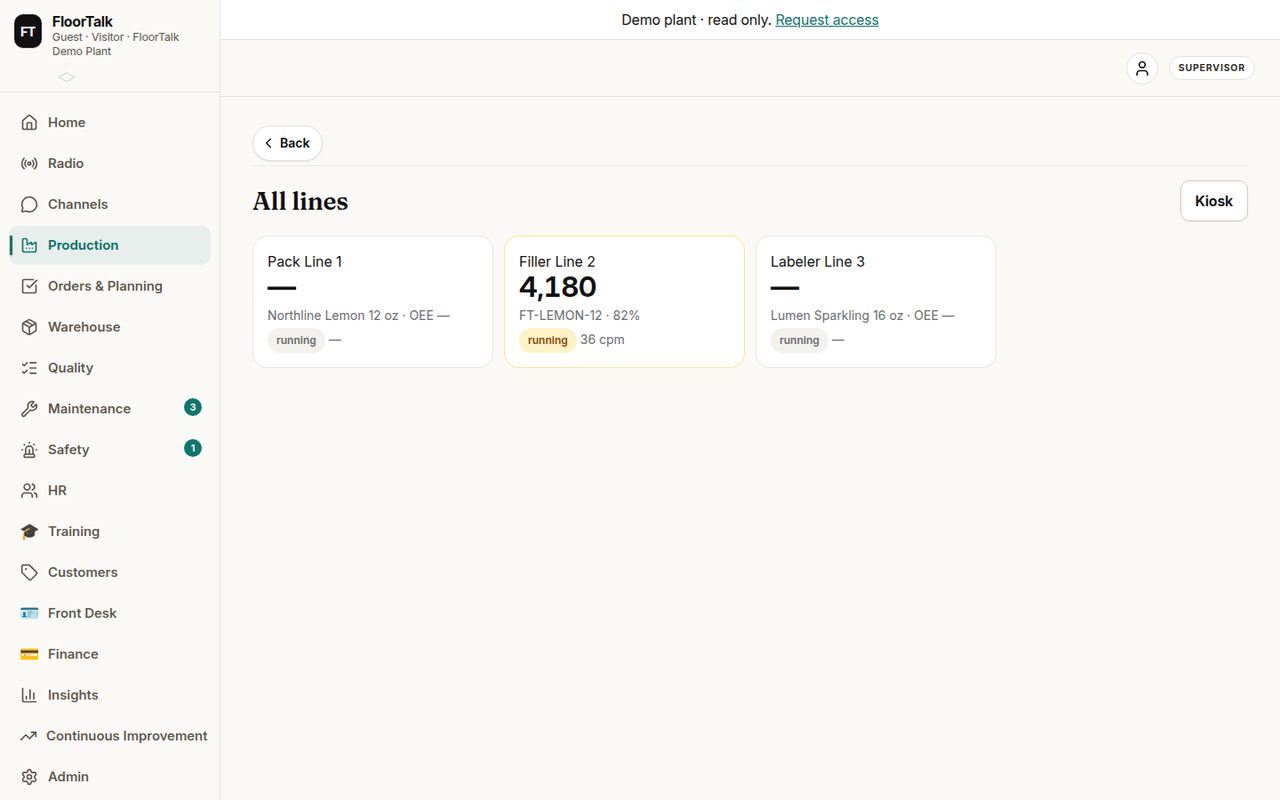
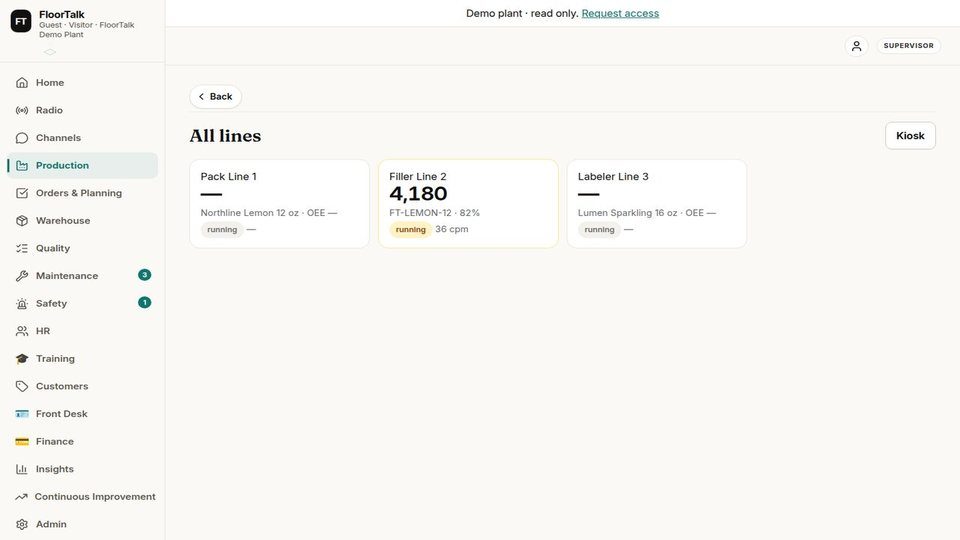
- The line board reads this plant’s lines
- Running, stopped, and downtime
- The floor TV uses the same lines
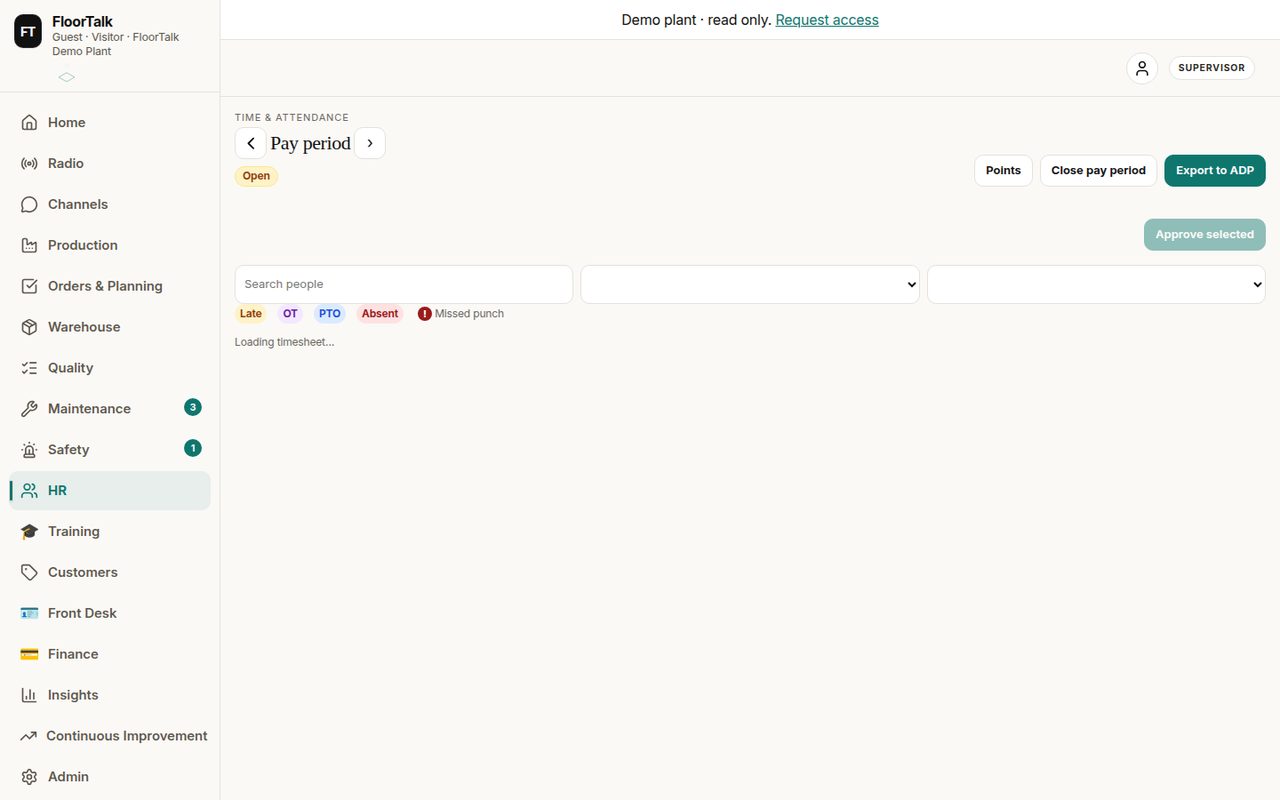
Time clock and HR
- A door tablet takes punches
- The employee or a supervisor opens the time card
- The org chart stays inside that plant
One plant cannot see another
- People, messages, and work orders stay in that plant
- Row-level security closes another plant’s rows
- The public site does not list plants
Custom quote
- Talk, Operations, and Enterprise follow the modules you turn on
- Customers (co-pack) is opt-in
- Billing is arranged with you directly
Desktop
How it works
A private plant, then the hubs you license.
The public site is where you look and request access. The plant app is where the shift works. Those are different places.
What the software can do
One plant. The work the shift already does.
Included
Talk, Walkie, and Channels
Push-to-talk stays with the shift. Channels keep the messages that matter. Alerts and SOS ride with communication. One plant hears only its own radio.
The shift
My Work, then the hub
My Work is home for that role. From there the person opens the line screen, a work order, the dock, the quality desk, the time clock, or finance. The public site does not list plants.
Hubs
The departments a plant can license.
Names match the product. Communication is included and is not a checkbox. Customers (co-pack) is opt-in. A custom quote follows the hubs you turn on.
Included with every plant
Talk, Walkie, and Channels
Radio, team channels, alerts, and SOS. Not sold as a separate hub.
Production
OEE and the operator screen
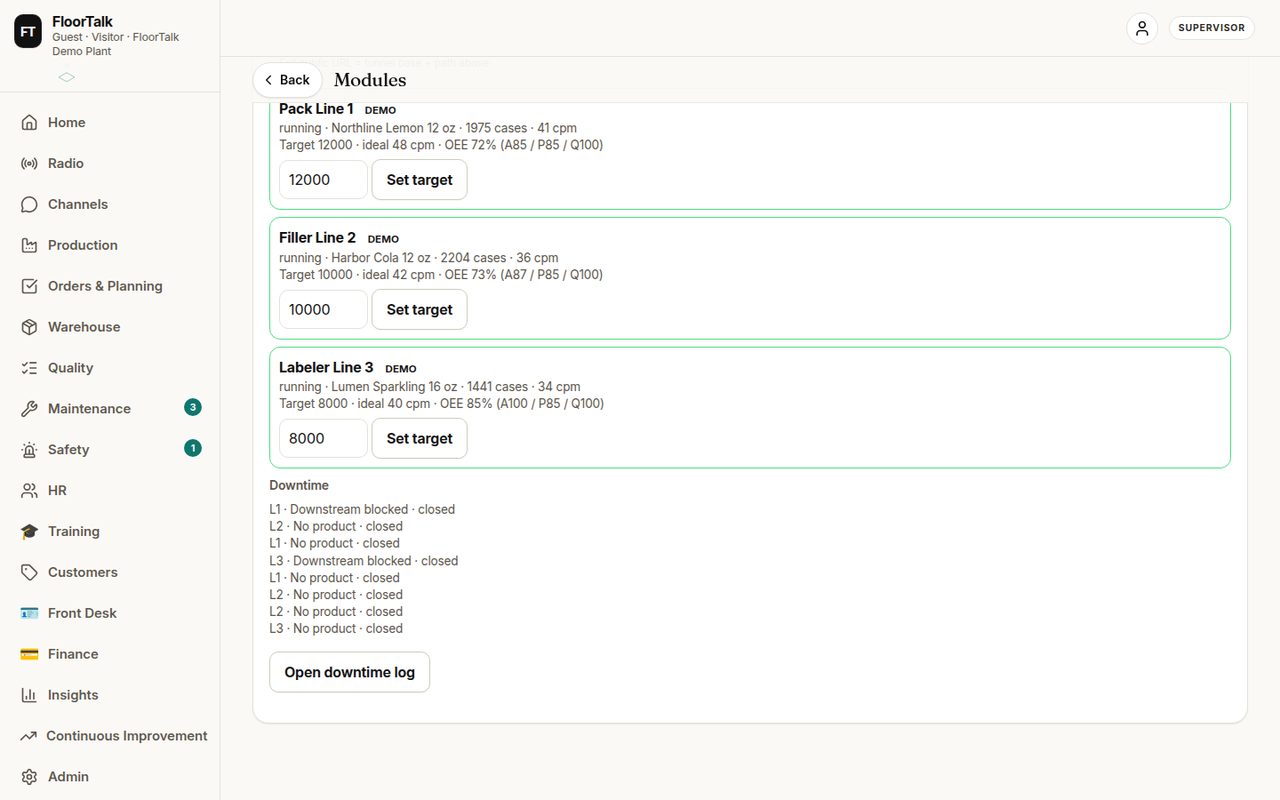
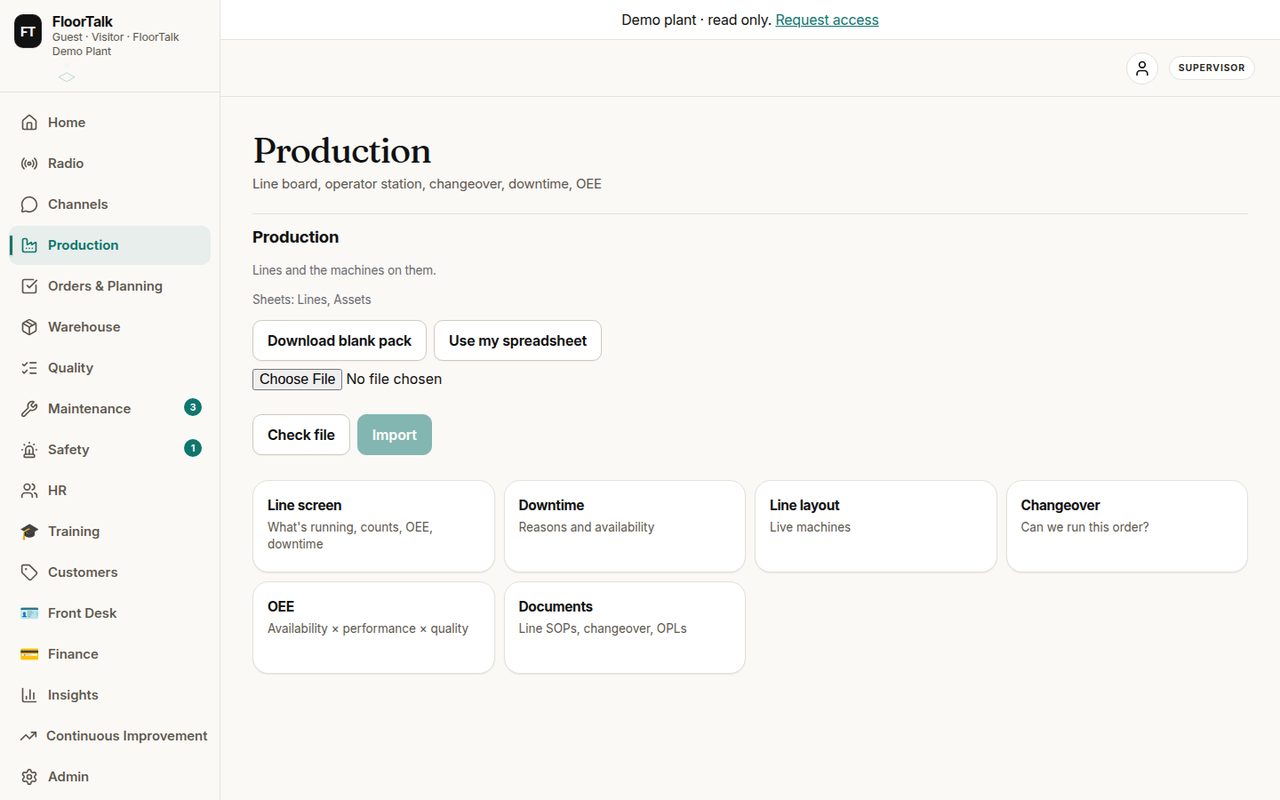
The line screen is the operator station: what's running, counts, OEE, and downtime. OEE is availability × performance × quality, from that plant's line data. Changeover is a guided job on the line.
Maintenance (CMMS)
Work orders, assets, and PM
A repair request becomes a work order. Assets, parts, preventive maintenance, and procurement — approvals, vendors, and PO amounts — live in this hub.
SCADA and Floor TV
Machine data on the floor
SCADA dashboards read this plant's lines: running, stopped, and downtime. Floor TV uses the same lines. Machine Data and machine connectivity (read-only tag map and trends) are licensed add-ons.
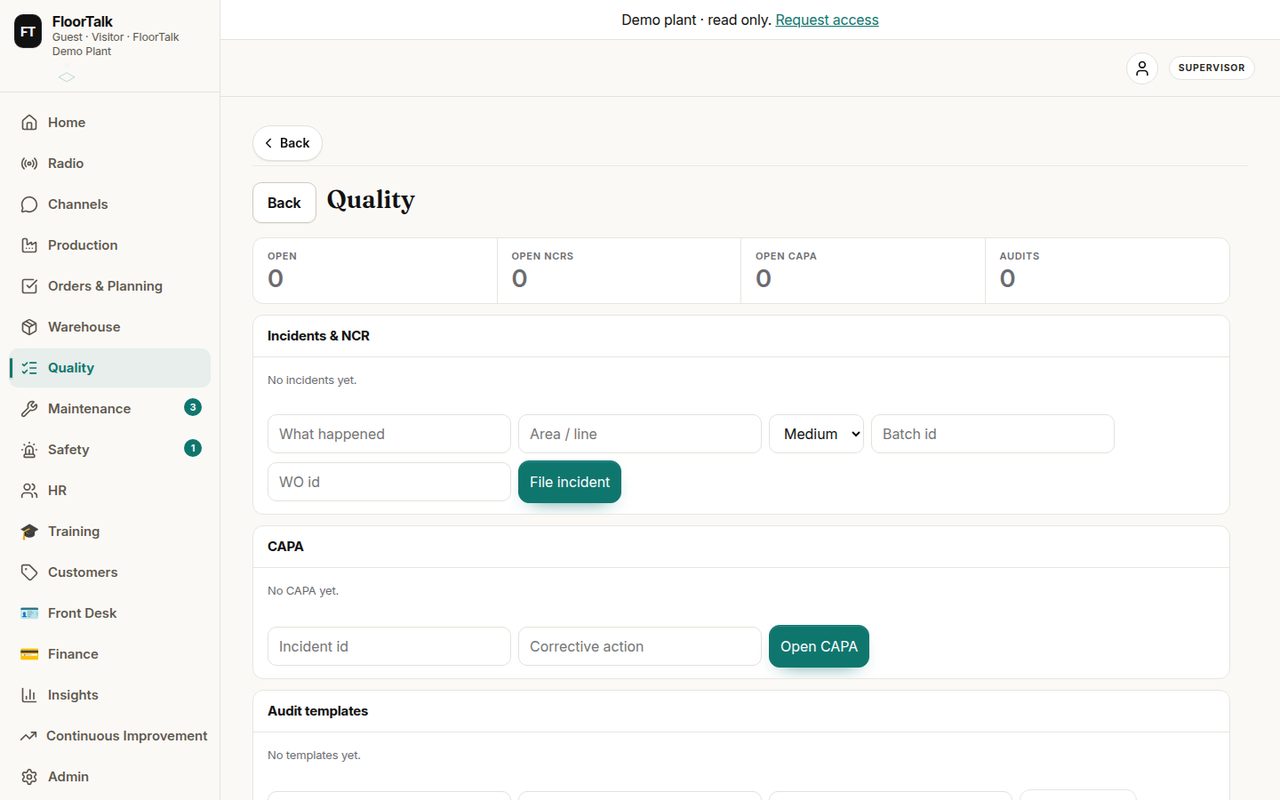
Quality
Quality desk
Incidents, open NCRs, routine checks, overdue checks, and CAPA. Documents stay in the library. Receiving QC and finished-goods holds are opt-in.
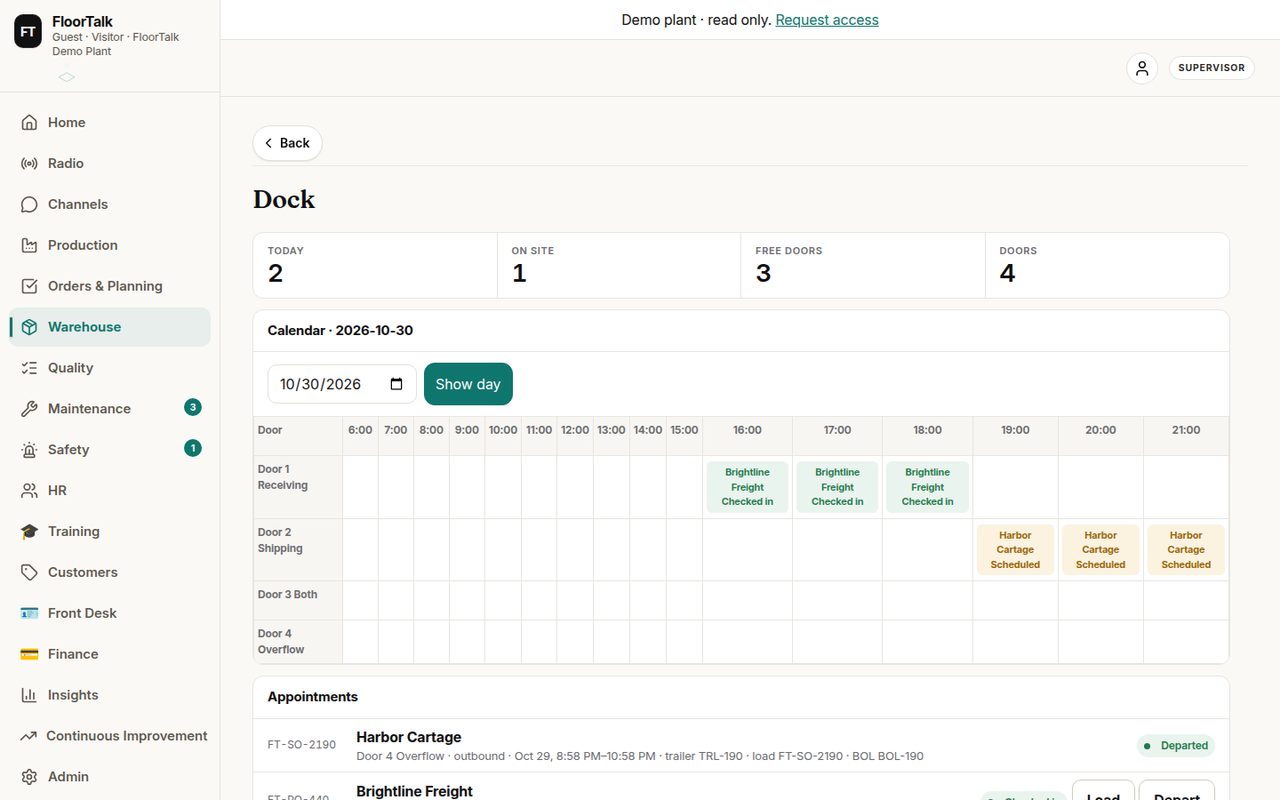
Warehouse
Receiving, shipping, dock
Inbound POs, pick and ship, dock doors and appointments, and cycle counts. Dock and yard is an opt-in add-on.
Orders & Planning
Plan the order
Jobs, the production plan, campaign, batching, and line capability. Order to cash stays in the plant. Account manager accepts the job.
Finance
AP, AR, and PO approvals
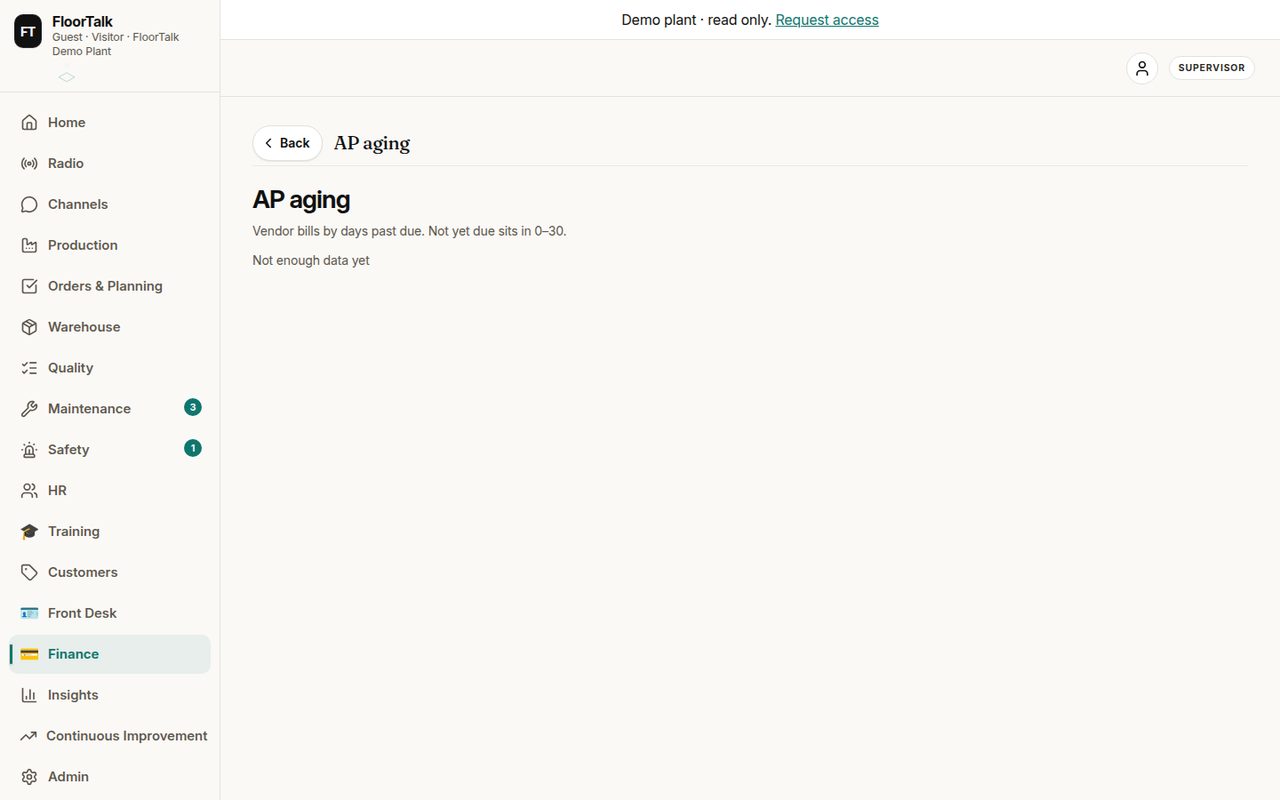
Vendor bills, customer invoices, vendors, cash, spend, and PO approvals. Purchasing is this screen plus procurement in Maintenance. There is no separate purchasing module.
HR
Time clock, PTO, people
A door tablet takes punches. Time and attendance, PTO, the org chart, the schedule, and forms and programs stay inside that plant.
Also in the catalog
Safety, Training, Meetings, Front Desk, Customers, Insights
Safety covers SOS, floor alerts, announcements, and policies. Training is courses and compliance. Meetings is listening mode. Front Desk is visitors. Customers / Commercial is the co-pack hub. Insights opens the plant dashboard, OEE, and CMMS reports.
Licensed separately, and not checkboxes on the request form:
Machine Data
SOP Studio
Machine connectivity (read-only)
CMMS plus — job plans, routes, cost
Dock and yard
Screens
From the FloorTalk Demo Plant.
These are product screens, not a customer result. FloorTalk does not publish a sample OEE score, a customer logo, or a testimonial on this site.
Demo
See your departments, privately.
Tell us which departments you want to see. We send a one-time private demo link scoped to those departments, or walk your team through it live.
Request a demo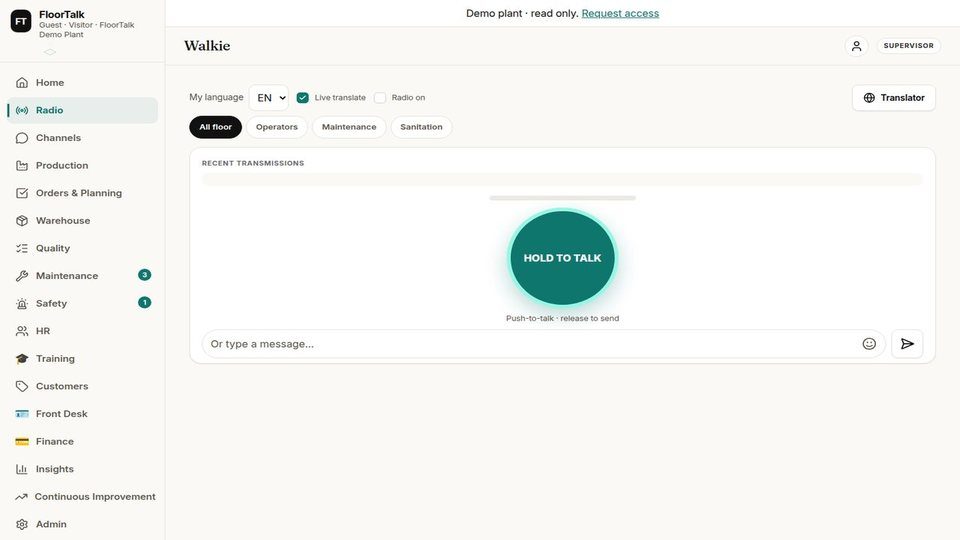
A shift on FloorTalk
One loop of the demo plant: home, Walkie, floor alerts, and the time clock.
Hubs tour
Production, SCADA, maintenance, warehouse, quality, planning, finance, and HR, from the demo plant.
One plant, closed off
A person signed in at one plant cannot read another plant’s rows.
Phone, tablet, and desktop
The same plant, on the screen in front of the shift.
A reply within 1 business day
We'll review and email you within 1 business day.
Name and PIN
People already on a plant open Plant sign-in and enter their plant code.
Request access
Name the plant and check the hubs you want. We'll review and email you within 1 business day.
Want to look first? Request a private demo of the departments you care about.
Request a demo